

Application temperature
TEAM IDX Ultra Soft DTF Transfers use a low-temperature application of 260° F.
TURNAROUND TIME: DTF orders ship in 2–3 business days. Orders placed Friday–Sunday begin processing the next business day.
Texas is officially open Idaho closed for walk-ins (email only)
DTF · Prep & application
Get print-ready files and press Ultra Soft DTF transfers the right way — file specs, artwork tips, and application basics from TEAM IDX.

Overview
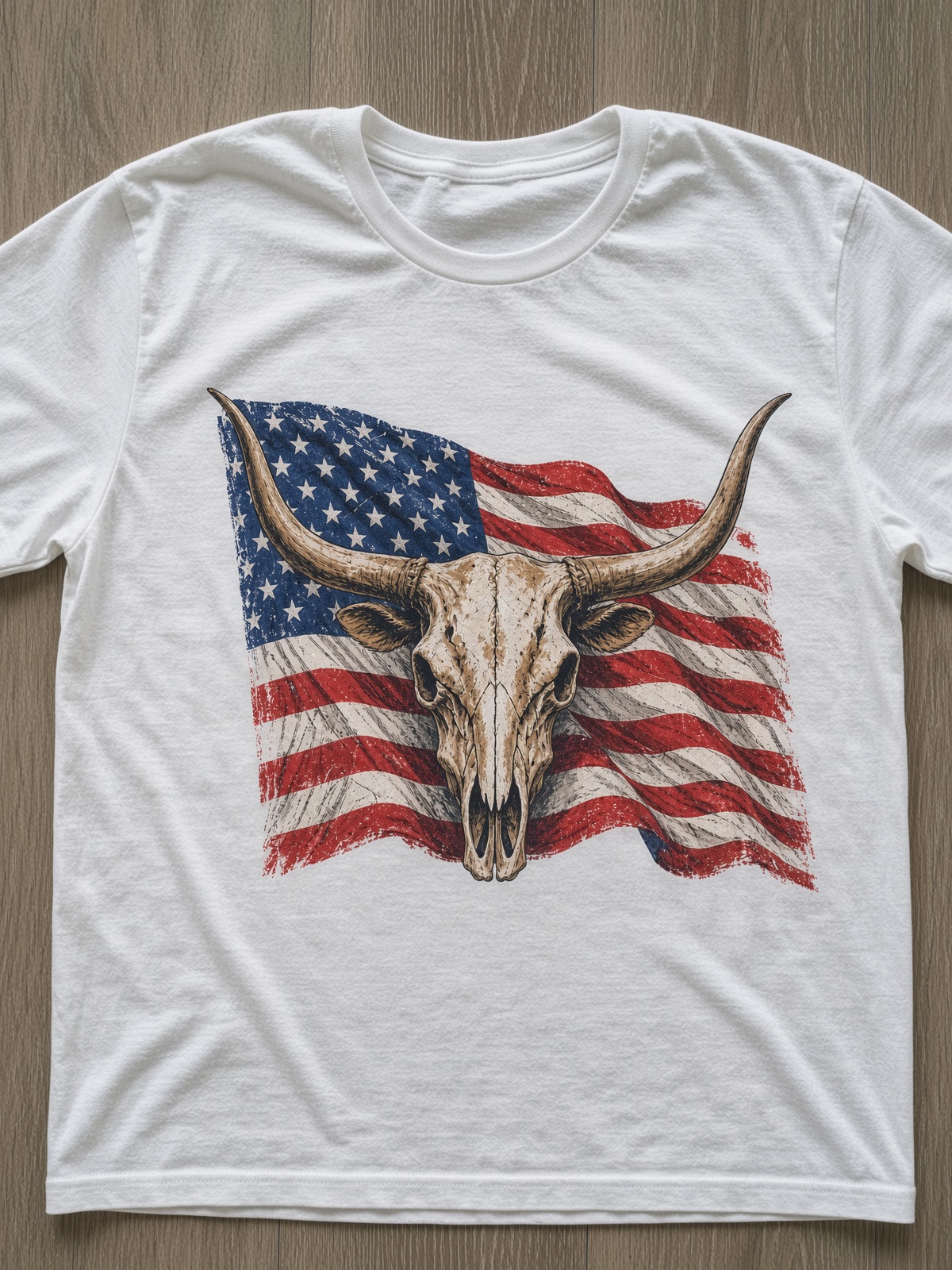
Digital heat transfers let you decorate garments with vibrant, full-color graphics using eco-friendly water-based ink. Strong results start with print-ready artwork — then a correct press.
Ordering transfers? Start on the DTF Gang Sheet product page, then use this guide for prep and application.
Application
Core application facts for TEAM IDX Ultra Soft DTF Transfers. Always confirm settings for your press and garment; when in doubt, test on a scrap first.
TEAM IDX Ultra Soft DTF Transfers use a low-temperature application of 260° F.
TEAM IDX DTF Transfers can be peeled hot or cold — use the peel method that works best for your press and garment.
Extremely versatile — can be applied to nearly any fabric. Always test a scrap garment when pressing a new material.
Transfers are built to last at least 50 washes with excellent stretchability and durability.
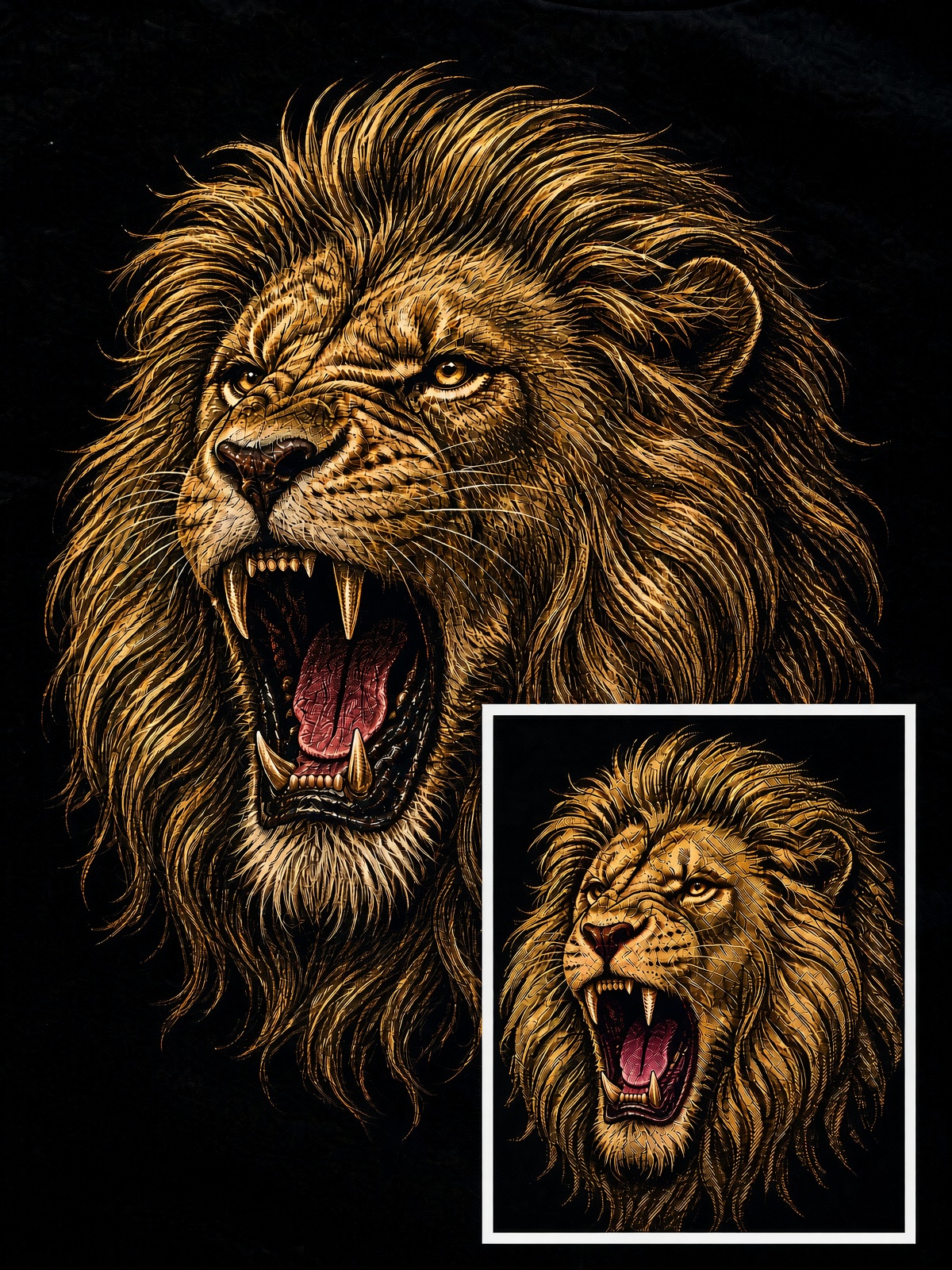
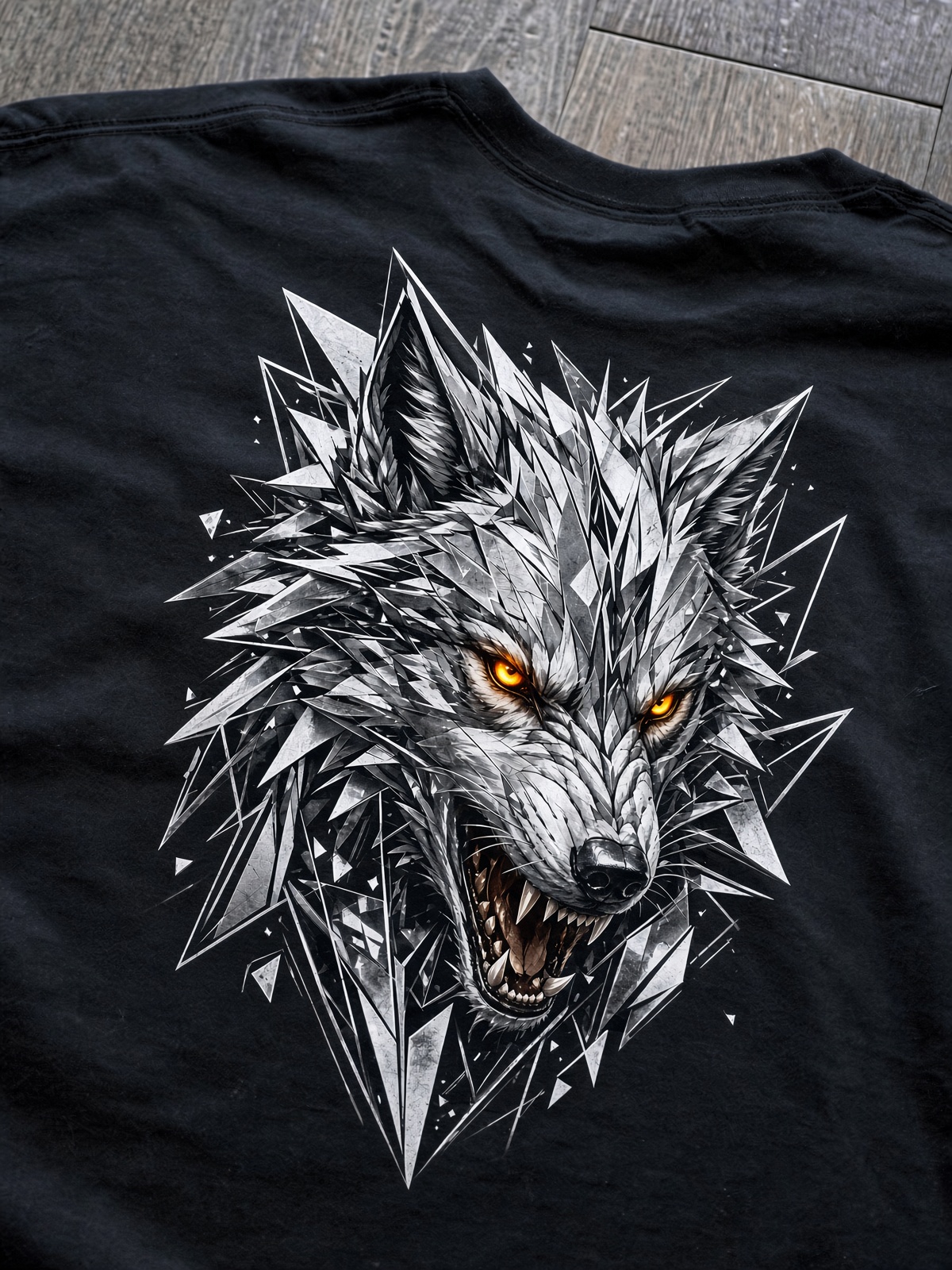
Smooth, matte finish with full-color graphic capabilities — including gradients, special effects, and photo-realistic artwork.
High resolution, 6-pass printing for superior vibrancy. Color calibrated using a Pantone X-Rite calibration system with a CMYK color profile.
Need help with a specific fabric or press model? Contact TEAM IDX — we will help you dial it in. Contact us
Read this before uploading your designs. Make sure they are print ready for the best quality transfers.
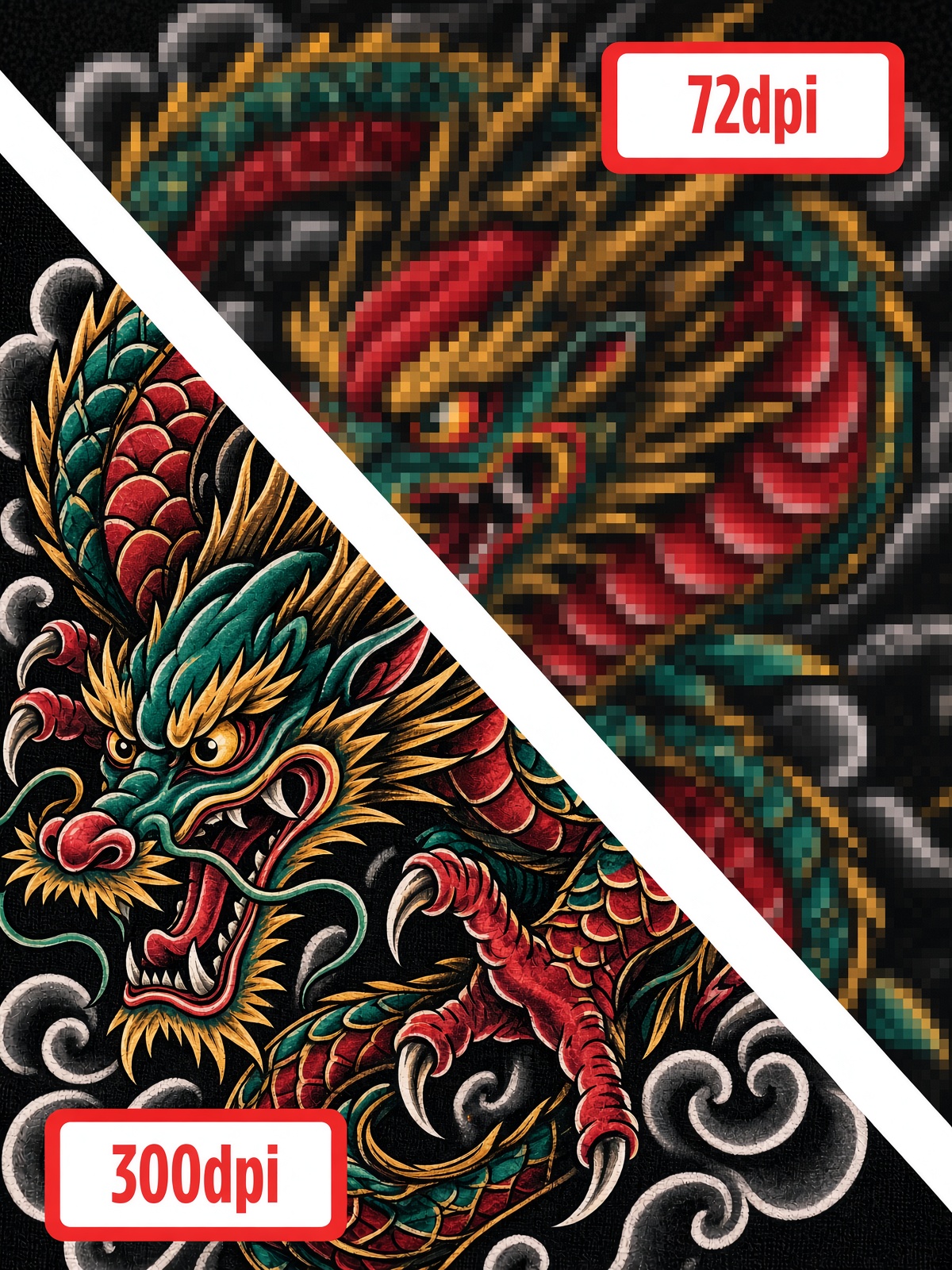
300dpi PDF or .PNG with a transparent background are best when designing for DTF printing. For all .PNG files, please create and upload them with no antialiasing.
9-color DTF printing has a wider color range than CMYK. Please note that unless your computer monitor is made specifically for digital design and printing, it will likely have a different color profile (sRGB) than our printers (Adobe 1998). If you need 100% color accuracy, please order our color matching guide.
For free-floating lines (lines that are by themselves and not found in a bigger image), the minimum recommended line width is 0.019" (1.4 pt). Anything smaller may not stick to your garment.
When submitting PNG files, make sure that there are no semitransparent pixels on the design's edges as these may be printed as a thin white outline around your design.
The more show through (negative space) you have in the image, the more breathable it is. More show through also improves hand feel.
Tiny type and hairline detail can break up or disappear on film. Keep critical text large enough to read at print size, and thicken fine strokes where possible so they transfer cleanly.
Perfect your craft
Read this before uploading your designs. Make sure they are print ready for the best quality transfers.
Ideal pixel count for raster images is 300 DPI (dots per inch). Lower DPI may result in pixelation when printing. The gang sheet builder will let you know if your image is low resolution.
Please make sure that you submit designs that have a transparent background. DTF printing will print out everything in the image you send, INCLUDING THE WHITE BACKGROUND. NOTE: If we receive an image with a background, we will halt printing to notify you and give you the option to remove it.
Soft edges or fadeouts (like a glow on the image) result in a white halo around the DTF print. One way to achieve a fadeout look without this halo is by applying the HALFTONE TECHNIQUE when designing.
TEAM IDX will not be responsible for color differences between your digital artwork and the DTF transfer. PLEASE USE HEX NUMBERS IN THE COLOR GUIDE TO MAKE SURE YOU GET THE COLORS THAT YOU NEED. Our printers are calibrated to CIELAB colors using an Adobe 1998 input profile, but your monitor may not be.
IDX can properly half-tone your artwork or scale up your Image resolution for an additional $15 per item or $30 per sheet artwork fee.
Ready to print
Upload print-ready art or build a sheet online. DTF orders ship in 2–3 business days.