


All service, repair, and training is by appointment only. Please book online — we can't take calls or emails about these services.
Diode · Fiber · CO2Training
Book Laser Training
Virtual and onsite LightBurn training for diode, fiber, and CO2 — production-focused. Google Meet diagnostics, training, and software help.
Laser training
Book now
Remote or onsite time, basic troubleshooting guidance, and an after-action summary or job to-do checklist after the session.
Second student must be available for half of the class or more. Please make sure they are available and ready, or you will be charged the full rate. Requires a card on file at booking.
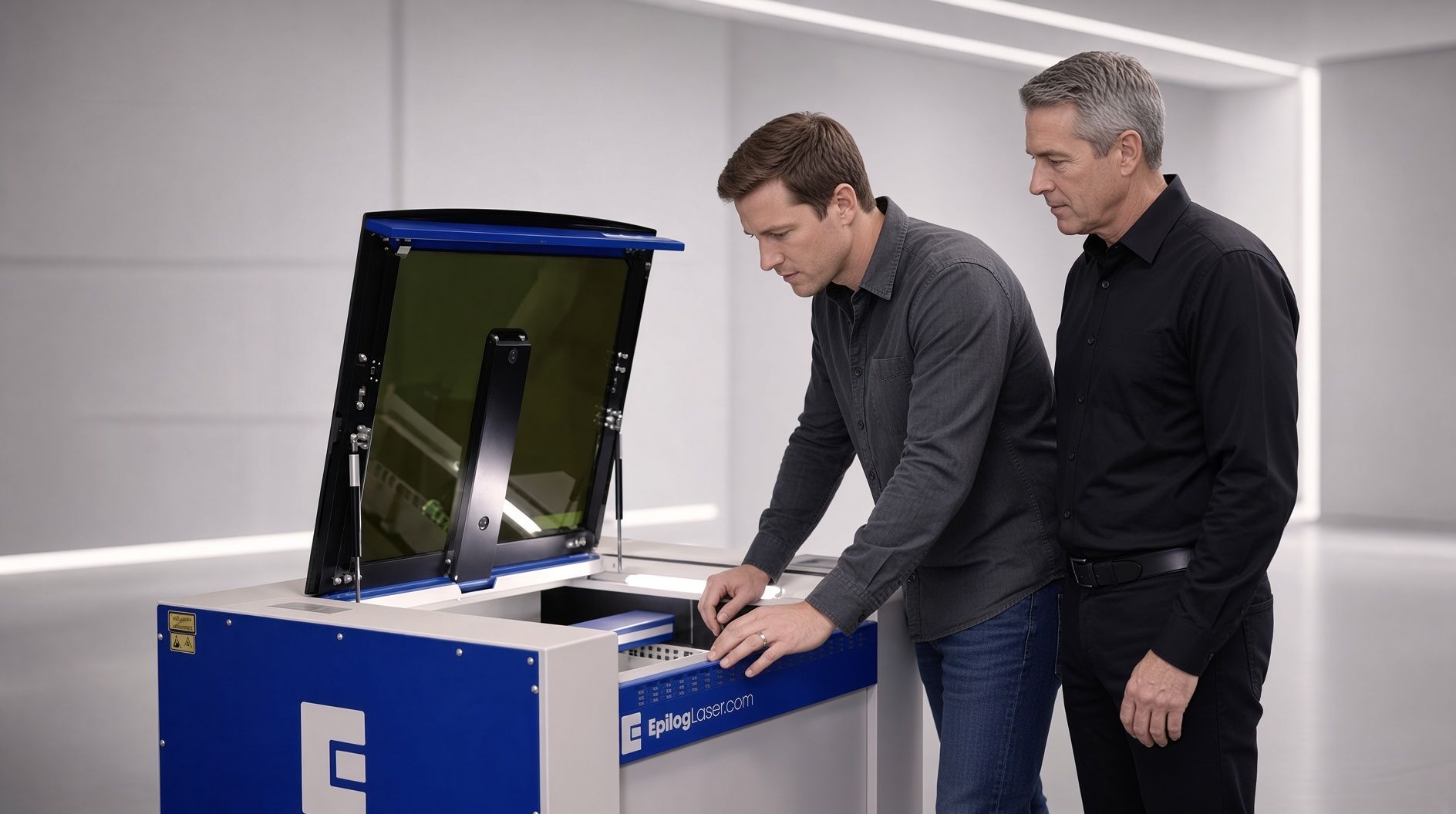 Training
Enhance your team's skills with our specialized training programs for Diode, Fiber, and CO2 laser operation and lightburn training. We offer virtual as needed sessions and in-person onsite training.
 What’s Included
This training focuses on machine operation, job setup, material settings, and production workflows using LightBurn. It does not include full artwork creation beyond the basic drawing and editing tools inside LightBurn.
 Real-world production
Our goal is to get you up and running for real-world production work in a maximum of 3 days.
LightBurn Requirement
LightBurn software is required for all training (on-site or virtual). We currently do not offer training on manufacturer-specific software platforms such as XCS, Glowforge Print, Ruby, KCAM, RDWorks, or other proprietary systems.
Daily Schedule
Each training day is a full day. Lunch is taken at 12:30 p.m. for one hour. You are not billed for the lunch break.
On-Site Training Notes
On-site sessions are a mix of computer work and hands-on laser time. Please have a suitable Windows or Mac computer available with the necessary ports, drivers, and admin rights so the laser can be connected and tested during class. We recommend confirming system compatibility with us before the training date.
| Service Type | Rate | Minimum | Notes |
|---|---|---|---|
| Sessions | |||
| 10 for $20 call | $20 | 10 min | Book by appointment |
| Virtual/Online | $25 per block | 1 block (15 min) | Diagnostics, training, software help, and remote guidance. Billed in 15 min blocks. |
| Onsite Labor | $100 per hour | 1 hour | Minimum on-site is a 1-hour minimum and billed in .1min increments while onsite. |
| Travel | |||
| Texas Only Travel | Flat zone fee | Flint, Texas | Flat zone fee covers drive time + mileage. Quoted in advance. Parts billed separately |
| Travel (Zone 1) | $30 | — | Local (0–30 miles: Tyler, Bullard, Jacksonville, Lindale, etc.) |
| Travel (Zone 2) | $60 | 31-60 miles | Regional East Texas (30–60 miles) |
| Travel (Zone 3) | $150 | 61-150 miles | Extended (60–150 miles) |
| Travel (Zone 4) | $280 | 151-280 miles | Statewide (150-280 miles) (Mileage beyond 280 miles are quoted separately) |
| Out-of-state (US Only) | $800-$1500 | State Specific | Flat-rate. Does not include expenses. Will be quoted once we have client location information |
Multi-day training (On-site Only)
CO2 & Fiber: 1 student is $800 per day, or $600 per person per day with 2+ students.
Diode: 1 student is $300 per day, or $200 per person per day for spousal/partner/other.
Prices below are the full multi-day total per student.
| Training Type | 2-Day | 3-Day | 4-Day | 5-Day | Notes |
|---|---|---|---|---|---|
| CO2 | $1,600 per Student | $2,400 per Student | Not typically needed | Not typically needed | Lightburn Required |
| 2 or more Students per session required | Multi-Student Discount $1,200 per Student | Multi-Student Discount $1,800 per Student | Not typically needed | Not typically needed | |
| Fiber Laser | $1,600 per Student | $2,400 per Student | Not typically needed | Not typically needed | Lightburn Required |
| 2 or more Students per session required | Multi-Student Discount $1,200 per Student | Multi-Student Discount $1,800 per Student | Not typically needed | Not typically needed | |
| Diode Laser (Home Based Businesses only) | $600 per Student | $900 per Student | Not typically needed | Not typically needed | Lightburn Required |
| Spousal/Partner/Other | Multi-Student Discount $400 per Student | Multi-Student Discount $600 per Student | — | — |
Second student must be available for half of the class or more. Please make sure they are available and ready, or you will be charged the full rate. Requires a card on file at booking.
-
Book
Pick your service and time online, and add your machine model, issue or training goal, plus your location for onsite visits.
-
Payment
Virtual sessions need a deposit or full prepay, and onsite sessions need a deposit with the balance due at completion, or you can prepay.
-
Confirm
We confirm your booking, session length and any onsite zone fee.
-
Session
Virtual sessions get a Google Meet link 15 minutes before start, and onsite visits get a confirmed arrival window.
Not sure what you need? Book a 10 for $20 call: 10 minutes for $20.
What if the second student can’t attend?
Student Pricing
Additional Training Days
Booking, Deposits & Refunds
Rescheduling
Design software
Let's work together
Diode, Fiber, and CO2 Laser Services
Our goal is to get you up and running for real-world production work in a maximum of 3 days.
All training and repair is booked by appointment.